Free, built on a free-software base
A browser that adjusts to you
The one you already use every day, with what you need to get through a day: breathing, focus, tracking your energy.
Only the Windows version works today. Each block is marked: what already works, or what is under construction.
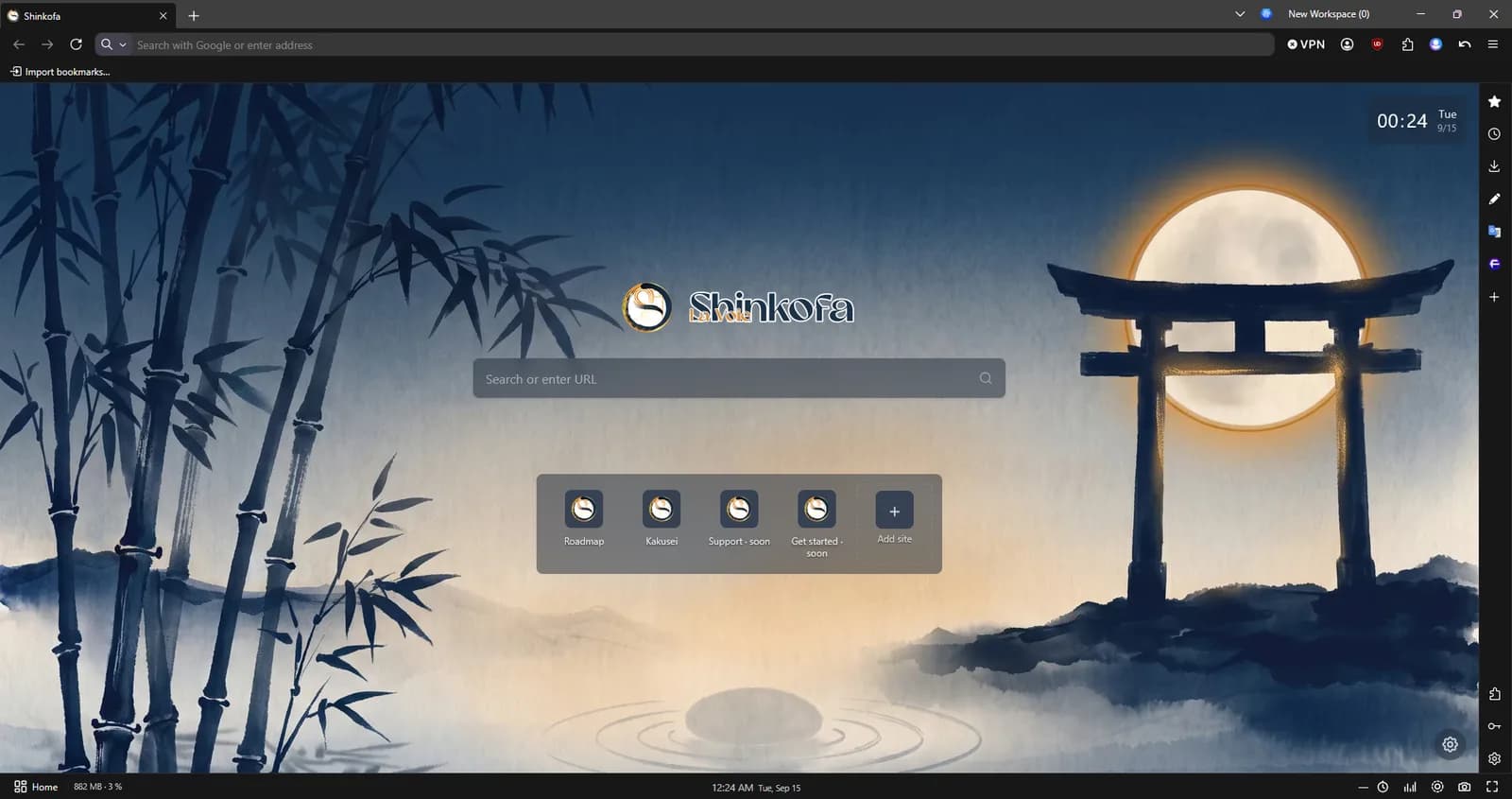
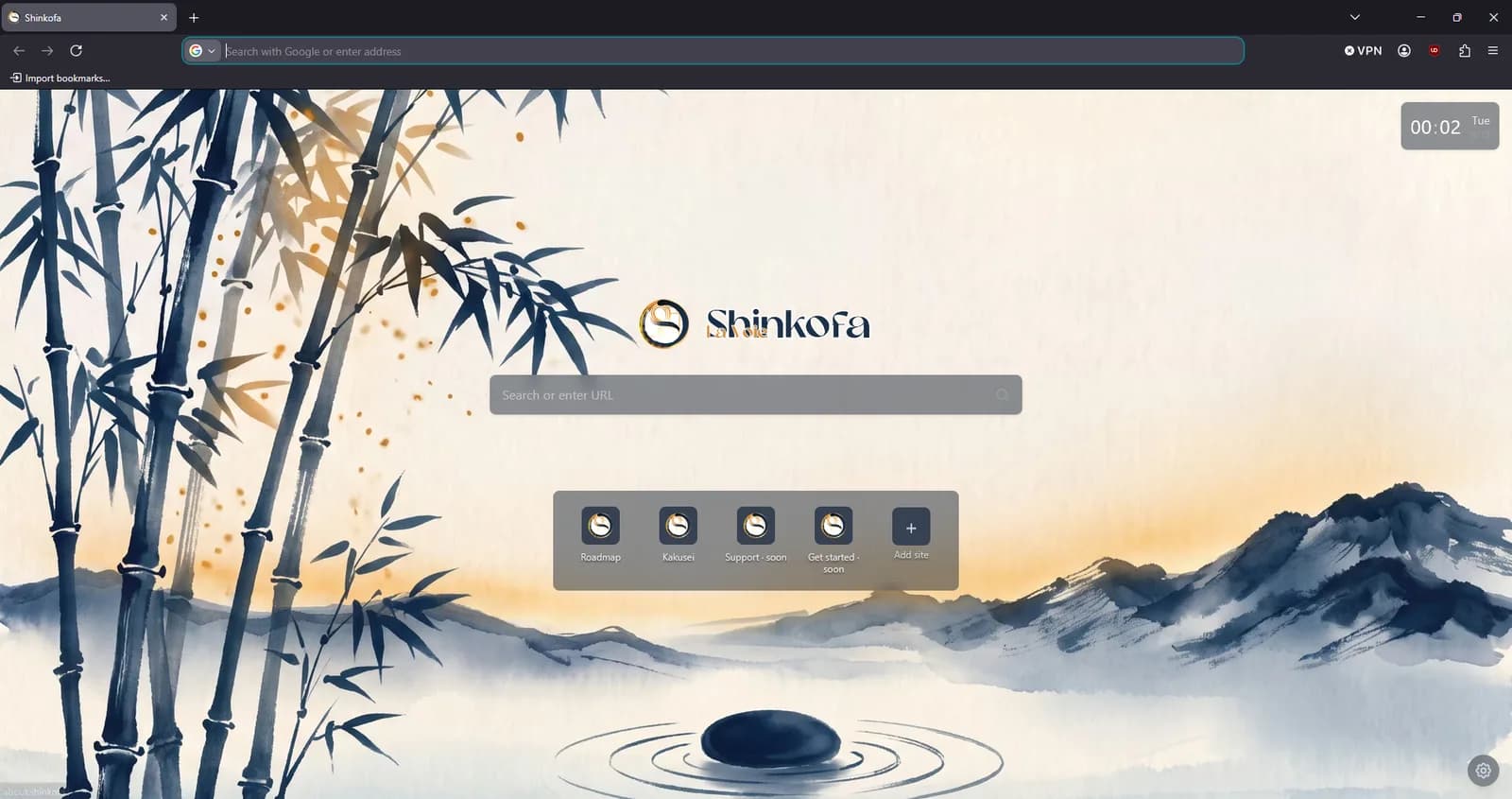
A new tab that follows your day
Twelve paintings, changing through the day. Nothing to set up.
The Shinkofa bar, at the edge of the screen
Where your eye leaves you alone while reading. Its tools are one click away.
- Guided breathing: six rhythms to choose from
- Energy reading: five dimensions, executive, social, physical, creative, sensory
- Pomodoro: cycles of work and breaks
- Screenshot and full screen
A known issue sometimes makes it disappear; it is being fixed.
Browsing that protects you, without locking you in
An ad blocker is built in, and you can turn it off at any time.
Your display, in your hands
Adaptation to your profile arrives brick by brick. You adjust, the display remembers, nothing is imposed.
- Light, dark, sepia, high contrast theme
- Reduced or turned-off motion
- Display density
- Text size
- Readable font, including dyslexia
- Colour correction
What is under construction moves forward in the order of the roadmap.
What your browser already carries
A complete base, inherited from the open-source Floorp browser.
Workspaces
One space per task or project, without mixing everything.
Split view
Up to four pages side by side in one window.
Side panel
Your favourite sites at hand, without leaving the page.
Mouse gestures
Back, close, open: one gesture is enough.
Web apps
A site opens in its own window.
Containers
Your sessions separated by activity, with no cookie mixing.
Customisable interface
Bars, buttons and appearance in your hands.
Import your data
Bring your bookmarks from another browser.
Follow the next versions
An e-mail address, and you are told about new versions.